

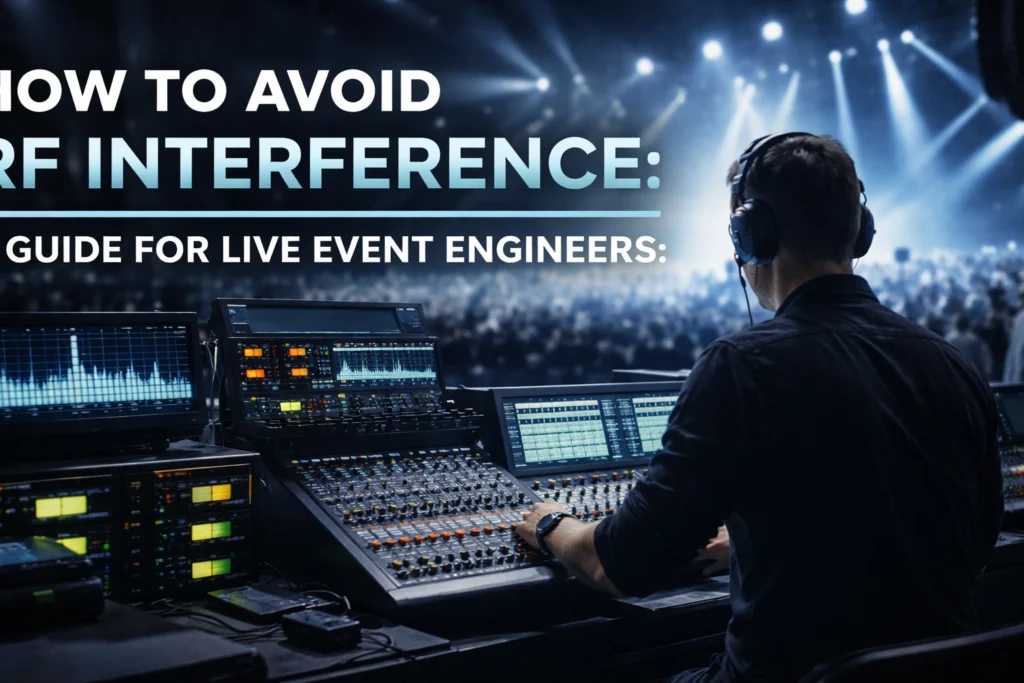
Radio frequency (RF) interference remains one of the most persistent challenges facing live event engineers. When wireless microphones cut out mid-performance or in-ear monitors flood with static, the consequences range from minor inconveniences to complete show failures. This guide outlines essential strategies for managing RF interference using professional sound solutions and proper frequency coordination techniques.
Understanding RF Interference in Live Events
RF interference occurs when two or more wireless devices compete for the same frequency or when external signals disrupt wireless audio gear. The problem intensifies at large-scale events where dozens of wireless transmitters operate simultaneously: including microphones, in-ear monitors (IEMs), intercoms, and instrument transmitters.
Common sources of interference include:
- Nearby television broadcasts
- Wi-Fi networks operating in overlapping frequency bands
- LED video walls and lighting equipment
- Other wireless devices from adjacent venues or stages
- First responder radio systems
- Local media crews with their own wireless equipment
The foundation of interference-free live sound lies in thorough planning, proper equipment for music production, and systematic testing protocols.
Planning and Frequency Coordination
Effective RF management begins long before equipment arrives at the venue. The first step involves assigning a single RF coordinator or team with authority to manage all wireless frequencies across the event. This centralized approach prevents conflicting assignments and ensures consistent decision-making throughout the production.

Document All Wireless Devices
Create a comprehensive inventory of every wireless device expected at the event. This includes:
- Handheld and lavalier microphones
- In-ear monitor systems
- Guitar and bass wireless transmitters
- Intercom systems
- Artist-provided equipment
- Production crew communication devices
Select Appropriate Frequency Bands
Licensed or business band frequencies offer more protected channels compared to unlicensed spectrum. Different regions have different regulations governing frequency use. In the United States, the FCC regulates wireless microphone frequencies, and certain bands have been reallocated for other uses. Verify compliance with local requirements before finalizing frequency assignments.
Think of frequencies as lanes on a highway: two devices cannot operate on the same frequency without causing interference. Proper spacing between frequencies prevents intermodulation distortion, which occurs when multiple transmitters create unwanted signal combinations.
Conducting Site Surveys
Upon arrival at the venue, perform a thorough site survey to scan active frequencies and identify clear channels. This survey should extend beyond the venue walls to account for external RF sources that could impact the show.
What to Scan For
- Active wireless users in and around the venue
- Local television broadcast frequencies
- Wi-Fi networks and their channel assignments
- Two-way radio traffic from security or venue staff
- Unexpected signals from nearby buildings or events

Professional spectrum analyzers provide detailed views of the RF environment. Document all findings and compare them against your planned frequency assignments. Adjust allocations as needed to avoid occupied or problematic frequencies.
Equipment Setup and Antenna Management
Strategic positioning of antennas and pro audio equipment optimizes signal strength while minimizing interference potential. Poor antenna placement ranks among the most common causes of wireless problems at live events.
Antenna Positioning Guidelines
Position receiving antennas with clear line-of-sight to transmitter locations. Avoid placing antennas near metal surfaces, which can reflect signals and create dead spots. Maintain adequate separation between transmitting and receiving antennas to prevent overload conditions.
In complex venues with multiple transmitters operating on different frequencies in the same band, antenna coupling can create intermodulation interference. RF combiners help manage several transmitters competing for limited antenna space, reducing the potential for IM products.
Cable Considerations
Use balanced cables going into balanced equipment wherever possible. Keep unbalanced cables as short as practical. Damaged cables often produce noise that mimics RF interference: test and swap out cables if problems persist.
The All-On Show Mode Test
The most critical testing step involves conducting an "all-on" show mode test. During this test, every wireless transmitter, sound gear, lighting rig, LED wall, and power circuit operates exactly as it will during the live event.

This full systems test reveals hidden interference sources that isolated checks would miss. For example, LED video walls can introduce interference on certain UHF microphone channels, particularly when displaying bright content. A microphone that tested clean during isolated checks might experience dropouts when the LED screen behind it displays white content.
During the All-On Test
- Have the RF coordinator perform a complete frequency scan
- Walk transmitters through all performance areas
- Monitor receiver signal strength and audio quality
- Document any interference patterns or problem areas
- Note which equipment combinations cause issues
Resolve all identified problems during rehearsals rather than during the live show. This may involve reassigning frequencies, repositioning antennas, or implementing shielding solutions for problematic equipment.
Backup and Contingency Planning
Even with thorough preparation, unexpected interference can occur during live performances. Effective contingency planning minimizes the impact of such incidents.
Prepare Backup Frequencies
Develop pre-vetted backup frequencies for every critical wireless channel. These alternatives should be intermodulation-safe options that can be deployed quickly if primary frequencies encounter interference.
Isolate backup frequencies by stage or area. Backup frequencies for Stage 1 should remain unique to Stage 1 and not be in use elsewhere unless absolutely necessary. This prevents a frequency switch on one stage from inadvertently creating a conflict on another.
Document and Distribute
Create frequency sheets for each stage's audio leader that clearly list all primary and backup channels. When interference occurs, the audio crew can:
- Mute the affected device
- Switch both transmitter and receiver to the pre-assigned backup frequency
- Resume operation
With proper preparation, this process takes approximately 30 seconds.

Managing LED Video Wall Interference
LED video walls present particular challenges for wireless audio gear. These displays can emit RF noise across a wide frequency range, with intensity varying based on displayed content.
Strategies for managing LED-related interference include:
- Identifying specific frequencies affected through testing
- Using Blackwrap or RF shielding materials around problem areas
- Increasing physical distance between receivers and LED surfaces
- Selecting frequencies in bands less susceptible to LED noise
- Coordinating with video crews regarding content brightness levels during critical audio moments
Real-Time Interference Management
Despite thorough preparation, unexpected interference may appear during performances. When a previously clear frequency encounters interference mid-show, the simplest solution involves switching to a different channel.
Modern wireless systems from quality audio gear manufacturers often include features that facilitate quick frequency changes:
- Infrared sync between receivers and transmitters
- Networked control systems for remote frequency adjustment
- Automatic frequency selection within designated groups
- Real-time RF monitoring with interference alerts
Investing in pro audio equipment with these capabilities reduces response time when problems arise.
Documentation and Post-Event Review
Maintain detailed records of frequency assignments, interference incidents, and solutions implemented. This documentation proves valuable for future events at the same venue or with similar equipment configurations.
Post-event reviews should address:
- What interference issues occurred
- How effectively backup plans worked
- Which frequencies proved problematic
- Equipment or venue-specific considerations for future reference
For additional guidance on professional sound solutions and audio gear selection, visit JAMMIN' Sound Solutions or explore the pro audio equipment available for live event applications.
Summary
RF interference management requires systematic planning, comprehensive testing, and documented contingency procedures. By implementing centralized frequency coordination, conducting thorough site surveys, performing all-on system tests, and preparing backup frequencies, live event engineers establish reliable wireless audio networks. The investment in proper preparation pays dividends through successful performances and satisfied clients.